Typically used for
Lights
Heating & Cooling
Appliances
Load shedding
Key Features
LAN, Wi-Fi, and Bluetooth connection
4 outputs, 16A each. Total device maximum of 40A
Precise power metering
Overpower and overvoltage protection of the load.
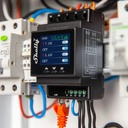
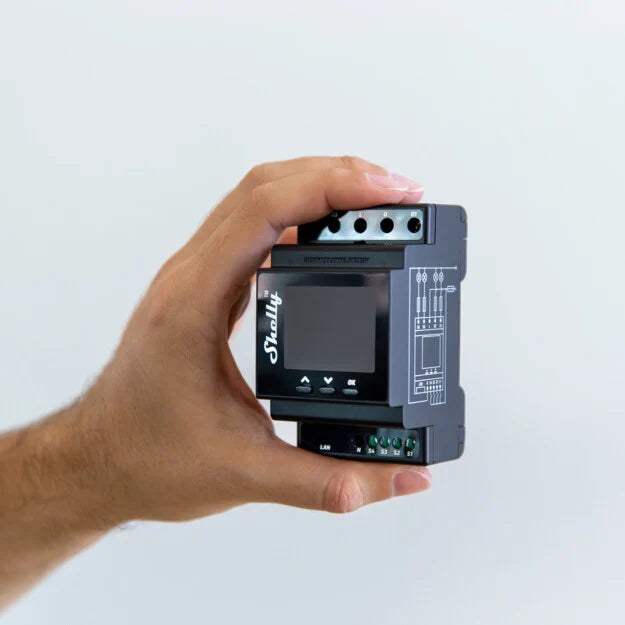
DIN rail mountable
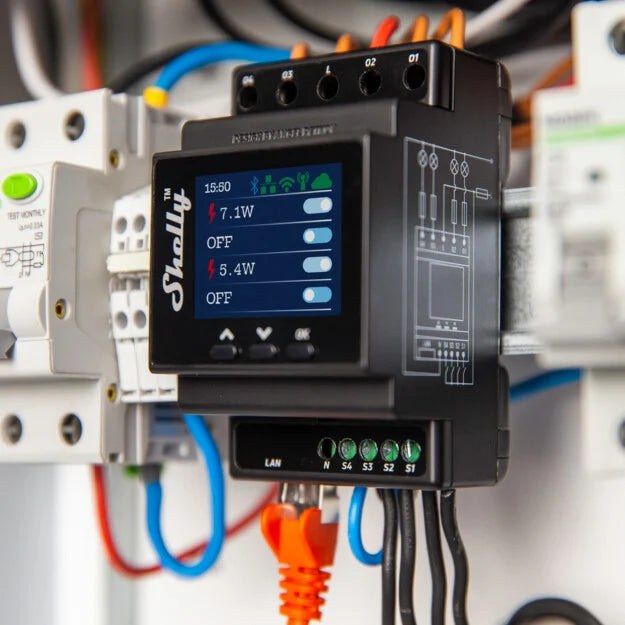
1.8-inch color screen with navigation keys
1- phase control
Easy control through the Shelly app, various protocols, and platforms, as well as voice assistant
Supports KNXnet / IP communication
Device identification
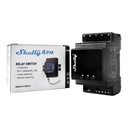
Device name: Shelly Pro 4PM V2
Device model: SPSW-104PE16EU
Device SSID: ShellyPro4PM-XXXXXX
Short description
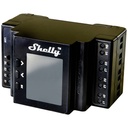
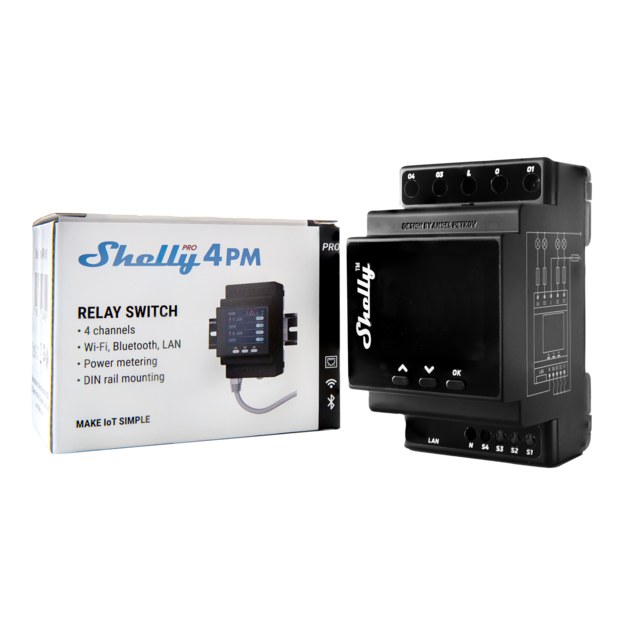
Shelly Pro 4PM is a DIN rail mountable four-channel smart switch with power measurement capabilities. Enhanced with all the gen2 firmware flexibility, LAN connectivity and color graphic display, it provides professional integrators with many more options for end customer solutions. It can work standalone in a local Wi-Fi network or it can also be operated through cloud home automation services.
Shelly Pro 4PM can be accessed, controlled and monitored remotely from any place where the User has internet connectivity, as long as the device is connected to a Wi-Fi router and the Internet.
Shelly Pro 4PM has an embedded Web Interface which can be used to monitor and control the device, as well as adjust its settings.
Main applications
Residential
MDU (Multi Dwelling Units - apartments, condominiums, hotels, etc.)
Light commercial (small office buildings, small retail/restaurant/gas station, etc.)
Government/municipal
University/college
Integrations
Google
Alexa
Samsung SmartThings
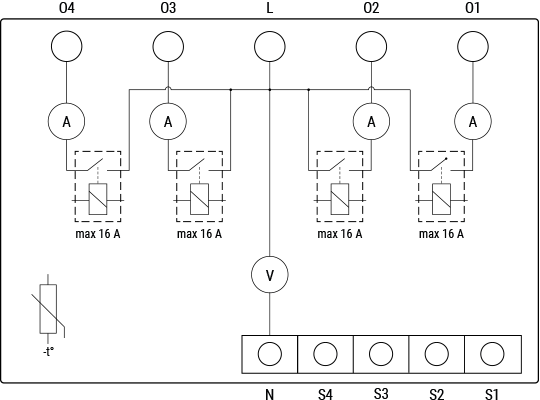
Device electrical interfaces
Inputs
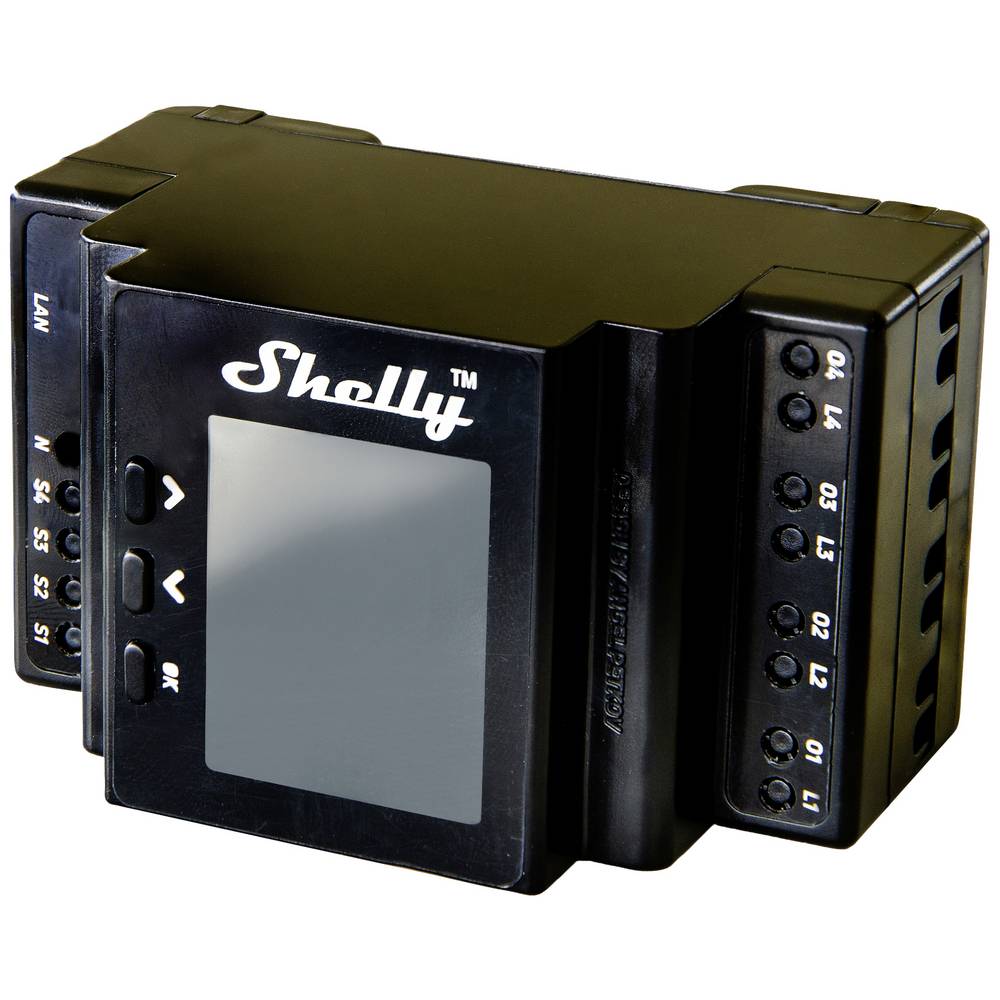
4 switch/button inputs on screw terminals: S1, S2, S3,and S4
2 power supply inputs on screw terminals: 1 N and 1 L
Outputs
4 relay outputs: O1, O2, O3, and O4
Ethernet port
1 RJ45 connector
⚠CAUTION! Plug in or unplug the LAN cable only when the Device is powered off! The LAN cable connector must not be metallic in the parts touched by the user to plug in or unplug the cable.
Connectivity
Ethernet
Wi-Fi
Bluetooth
Safety features
Overheating protection
Overvoltage protection
Overcurrent protection
Overpower protection
Supported load types
Resistive (incandescent bulbs, heating devices)
Capacitive (capacitor banks, electronic equipment, motor start capacitors)
Inductive with RC Snubber (LED light drivers, transformers, fans, refrigerators, air-conditioners)
User interface
Inputs
Three press buttons on the front plate:
Left button:
Press to scroll up in the currently displayed menu
Middle button:
Press to scroll down in the currently displayed menu
Right button:
Press to wake up the Device display
Press and hold to get into the menu screen
Press to select a menu item
Press and hold while in a sub menu to move to the Main menu
Outputs
Color LCD.
The LCDs a top bar with short status information:
Time
Bluetooth connection status
Disabled - no icon
Enabled - blue icon
LAN status:
Disabled - no icon
Enabled, but not connected - red icon
Connected - green icon
Wi-Fi STA status:
Disabled - no icon
Enabled, but not connected - red icon
Connected - green icon
Wi-Fi AP status:
Disabled - no icon
Enabled, but not connected - red icon
Connected - green icon
Cloud status:
Disabled - no icon
Enabled, but not connected - red icon
Connected - green icon
The rest of the LCD is used to display the Device menu screens:
Main (default) screen:
Output 1 on/off
Output 2 on/off
Output 3 on/off
Output 4 on/off
Network:
Wi-Fi AP enable/disable
Wi-Fi enable/disable
Ethernet enable/disable
Bluetooth enable/disable
Status:
Displays complete status informationMaintenance
Wi-Fi reset
Factory reset
Reboot
Type | Value |
|---|---|
Physical | |
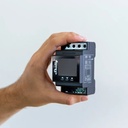
Size (HxWxD): | 96x53x59 ±0.02 mm / 3.78x2.01x2.32 ±0.02 in |
Weight: | |
Mounting: | DIN rail |
Screw terminals max torque: |
|
Conductor cross-section: |
|
Conductor stripped length: | 6 to 7 mm / 0.24 to 0.28 in |
Shell material: | Plastic |
Color: | Black |
Environmental | |
Ambient temperature: | -20 °C to 40 °C / -5 °F to 105 °F |
Humidity | 30 % to 70 % RH |
Max. altitude | 2000 m / 6562 ft |
Electrical | |
Power supply voltage AC: | 110 - 240 V |
Power supply voltage DC: | N/A |
Power consumption: | < 4 W |
Neutral not needed: | No |
Output circuits ratings | |
Max switching voltage AC: | 240 V |
Max switching voltage DC: | N/A |
Max switching current AC: | 16 A per channel, 40 A total |
Max switching current DC: | N/A |
Sensors, meters | |
Voltmeter (AC) | Yes |
Ammeter (AC) | Yes |
Internal-temperature sensor: | Yes |
Radio | |
RF band: | 2400 - 2495 MHz |
Max. RF power: | <20 dBm |
Wi-Fi protocol: | 802.11 b/g/n |
Wi-Fi Range: | Up to 30 m / 100 ft indoors and 50 m / 160 ft outdoors |
Bluetooth Protocol: | 4.2 |
Bluetooth Range: | Up to 10 m / 33 ft indoors and 30 m / 100 ft outdoors |
MCU | |
CPU: | ESP32-D0WDQ6 |
Flash: | 8 MB |
Firmware capabilities | |
Schedules: | 20 |
Webhooks (URL actions): | 20 with 5 URLs per hook |
Scripting: | Yes |
MQTT: | Yes |
CoAP: | No |
Basic wiring diagram
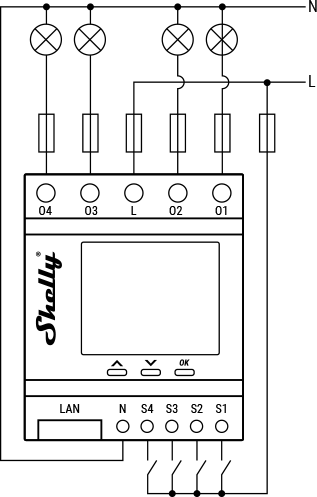 Resistive load | 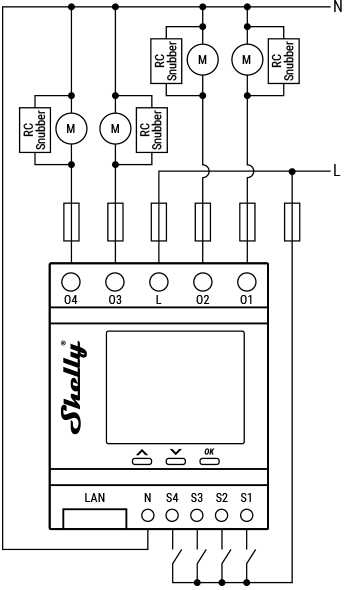 Inductive load and RC snubber |
Legend
Terminals | Wires | ||
|---|---|---|---|
O1, O2, O3, O4 | Load circuit output terminals | L | Live (110-240 V) wire |
S1, S2, S3, S4 | Switch/button input terminals | N | Neutral wire |
L | Live (110-240 V) terminals | ||
N | Neutral terminal | ||
LAN | Local Area Network RJ 45 connector |
What are the differences between the different generations of Shelly products?
Each new generation adds more power, memory, and features:
Gen 1 offers basic control;
Gen 2 (Plus Series, Mini Series, Pro Series) adds Bluetooth, scripting, and better security;
Gen 3 improves performance, adds Matter (starting from firmware version 1.6.0 or newer) and advanced monitoring;
Gen 4 offers multi-protocol connectivity, featuring Wi-Fi 6, Bluetooth, Zigbee, and Matter.
Can I control the device via Bluetooth?
No, the protocol is used only for device inclusion, allowing for quick and easy setup through the Shelly Smart Control app.
For bluetooth control it is required to have another Bluetooth device such as Shelly BLU Button or Shelly BLU Motion to interact.
Additionally, Shelly devices can function as a BLE gateway, bridging Shelly BLU devices to your Wi-Fi network.
Is it possible to use the device without a hub?
Yes, Shelly devices (except for Wave devices) operate independently without the need for a hub. They connect directly to your Wi-Fi network, and you can control them via the Shelly Smart Control app, web interface, or through integrations with platforms like Google Home, Alexa, Home Assistant and Samsung SmartThings.
Use cases
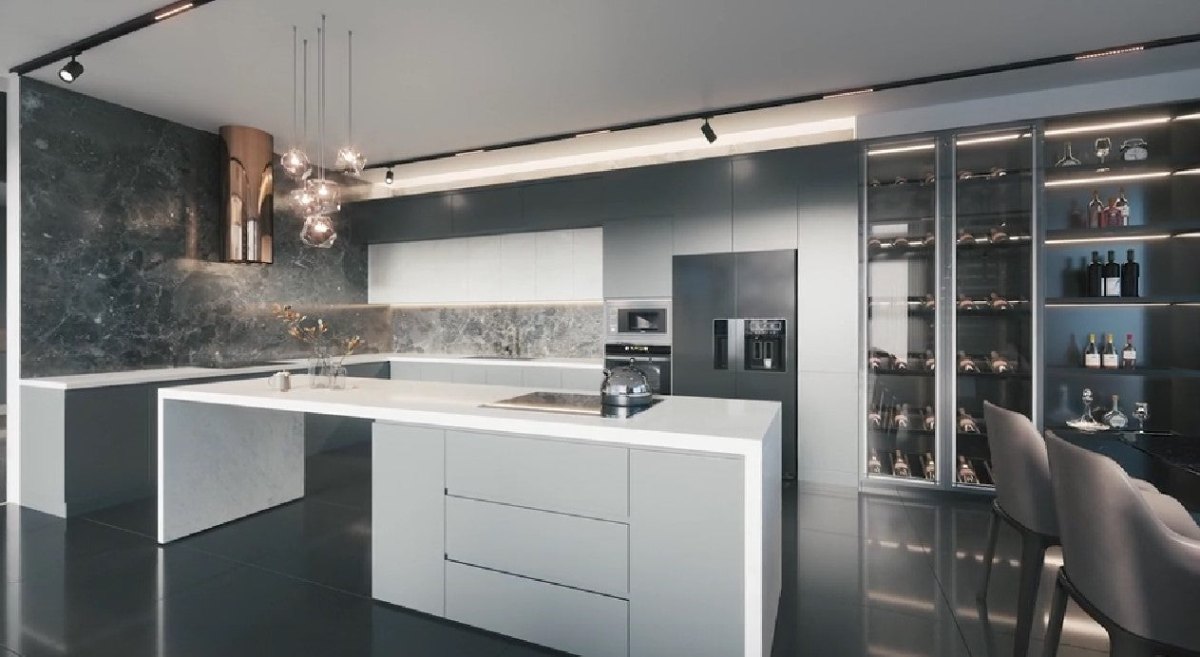
Appliances control and monitoring
Predict monthly costs and plan your spending better! Automate the electrical appliances in the restaurant and track their energy consumption wherever you are.

Temperature control for better productivity
Research shows that employees' productivity decreases when there are temperature fluctuations in the office. The cooling and heating systems in the building should follow the dynamic changes in the temperatures during the different seasons.
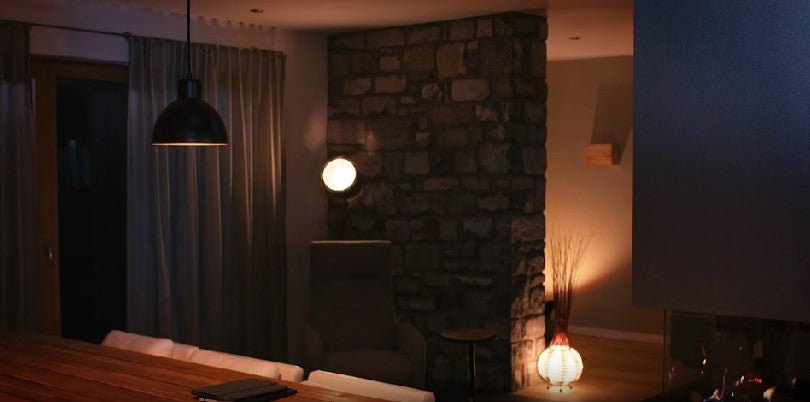
Automation of the common spaces for efficient energy usage
Reduce unnecessary monthly costs with Shelly smart lighting solutions.
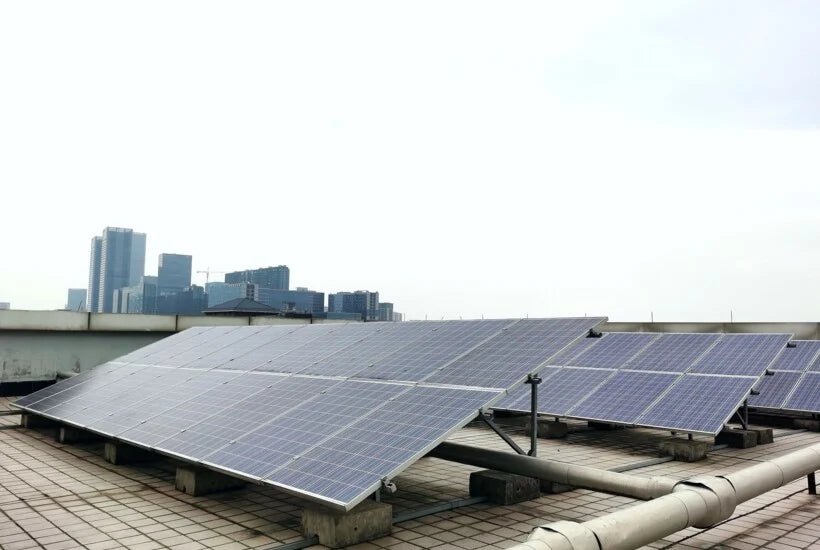
Load shedding
Keep track of how much energy your solar panels and wind turbines are generating and save effortlessly by controlling your consumption with Shelly Pro 4PM.