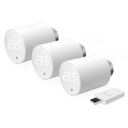
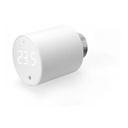



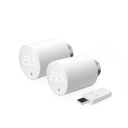
Typically used for
Temperature
Heating
Key Features
New
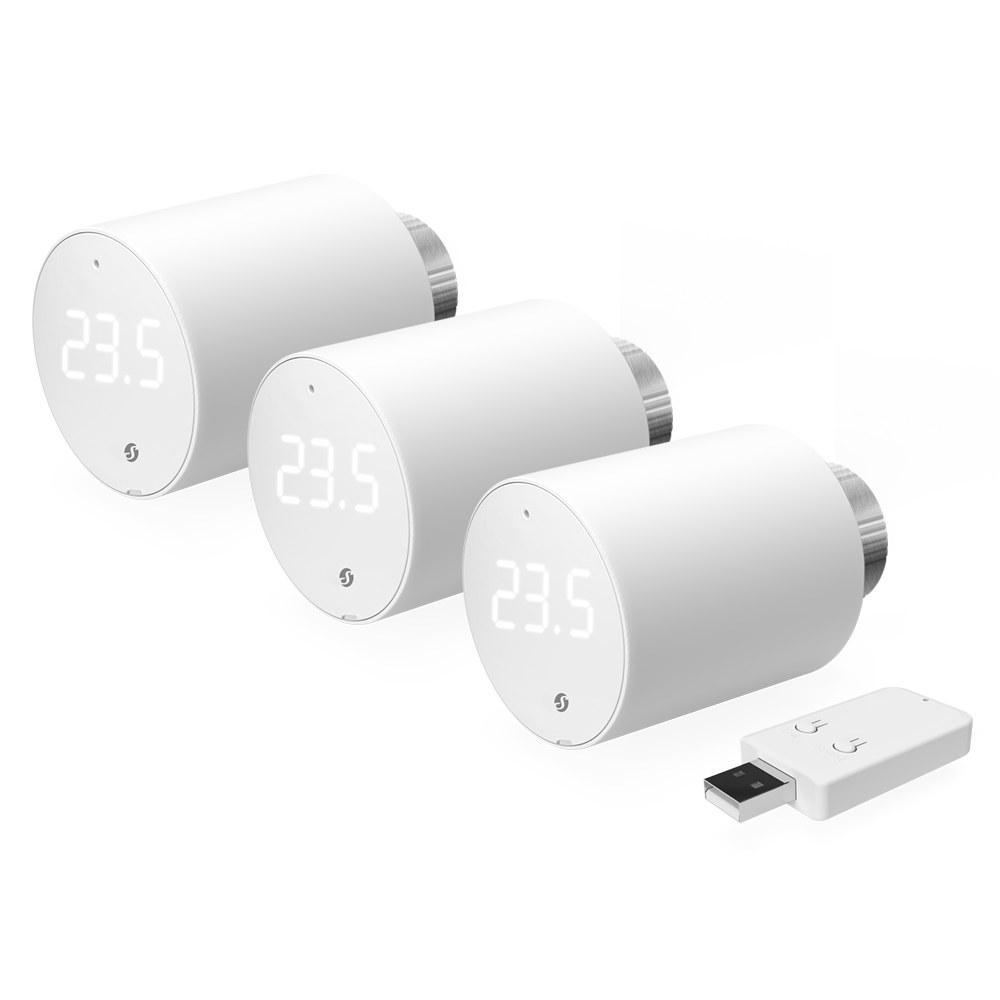
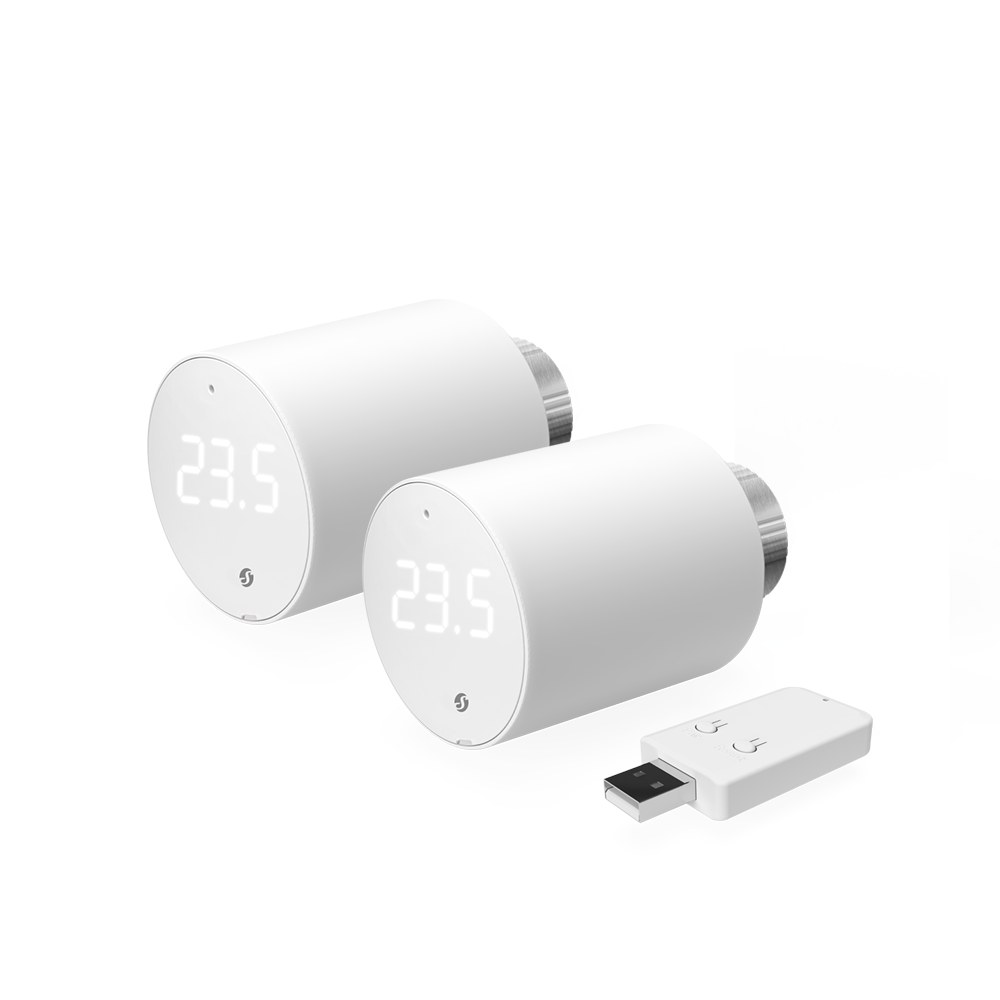
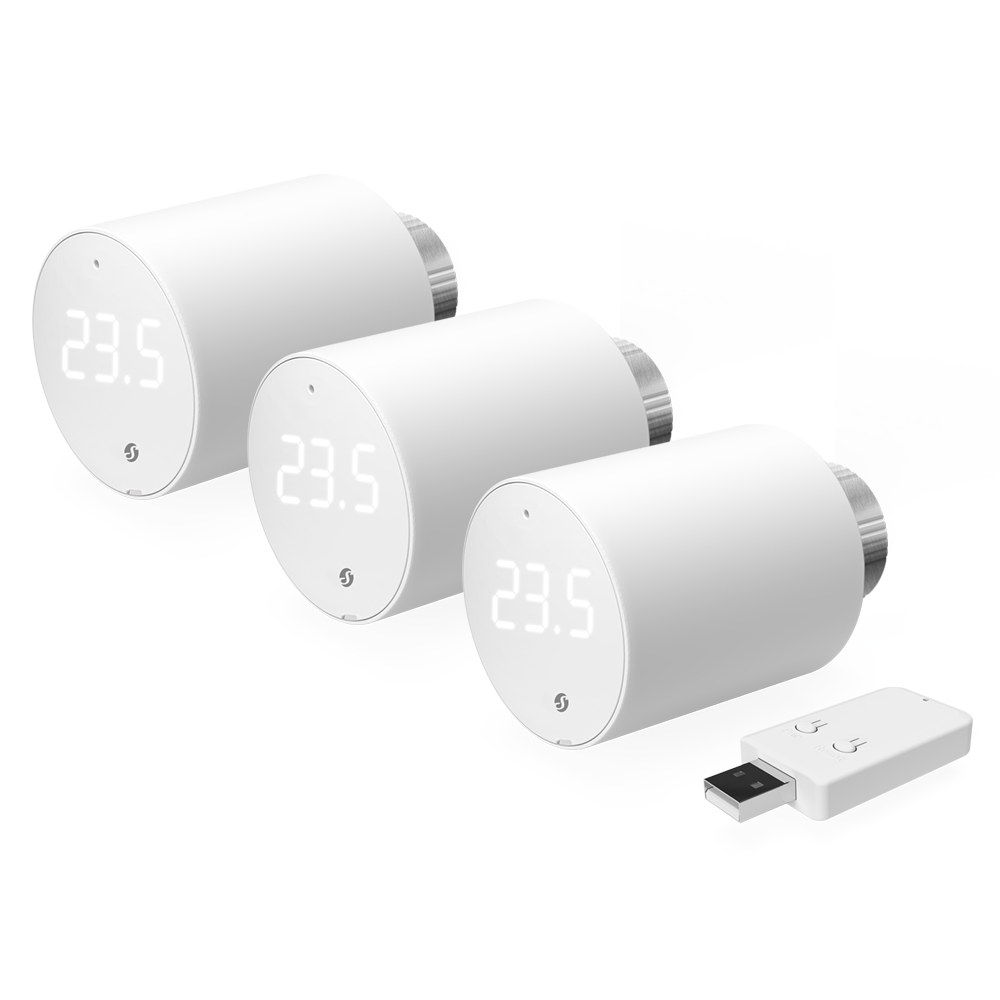
Bluetooth-operated and Wi-Fi-enabled with gateway (included)
2x1.5 V battery AA (included)
Precise temperature control (adjust by ±0.1 °C)
Boost mode for fast warm-up of the room
Smart scheduling
Two operating modes
External sensor support (compatible with Shelly BLU H&T, Shelly BLU H&T ZB, Shelly BLU H&T Display ZB, Shelly BLU Door/Window sensors)
Integration with most smart home systems
The gateway can be plugged in any USB power supply, charger or device with a USB-A port (rated at > 5 W)
Device identification
Device name: Shelly BLU TRV
Device model: SBTR-001AEU
Device Bluetooth ID: 0x0008
Short description
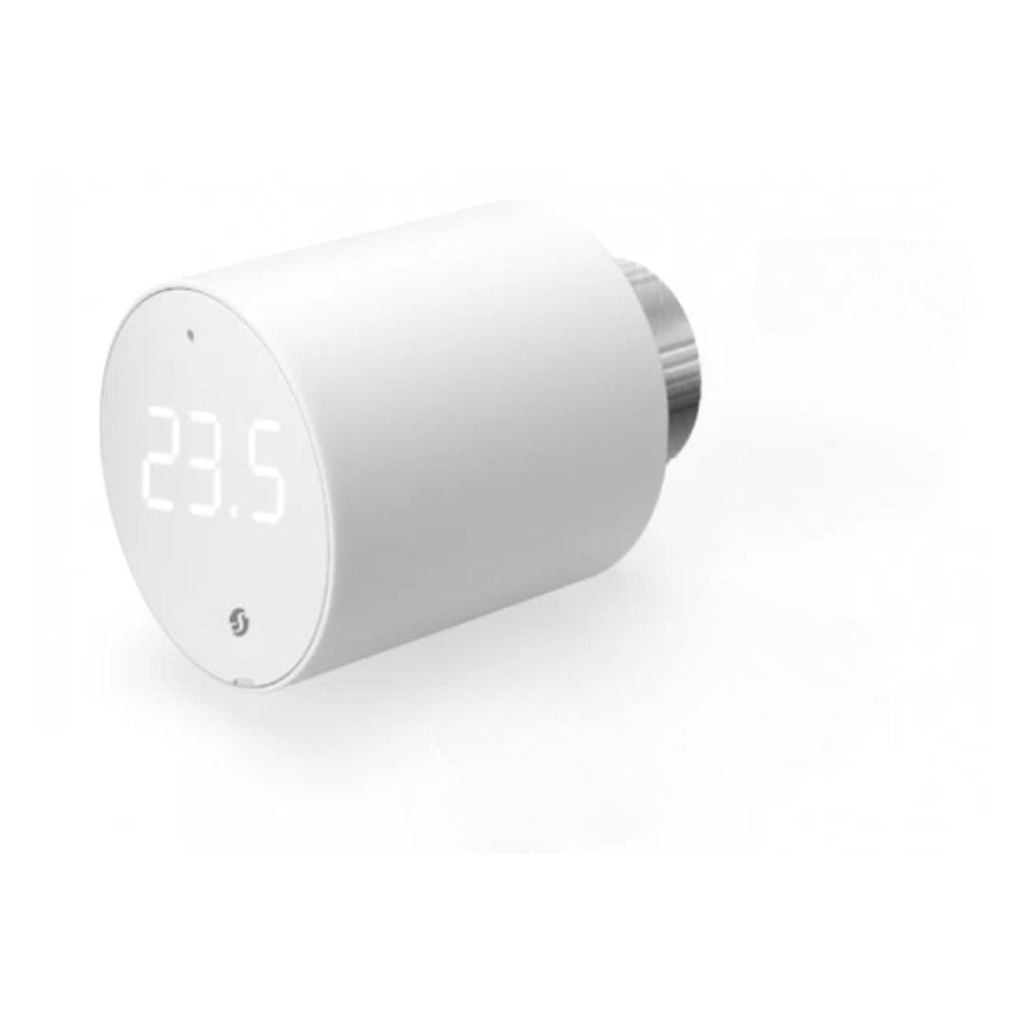
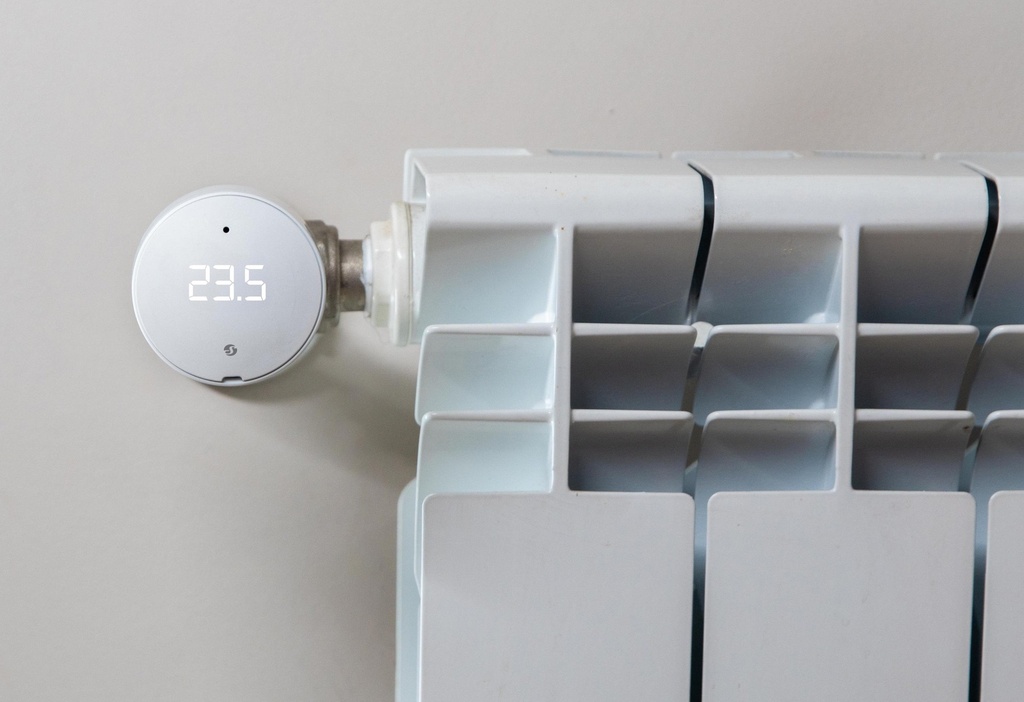
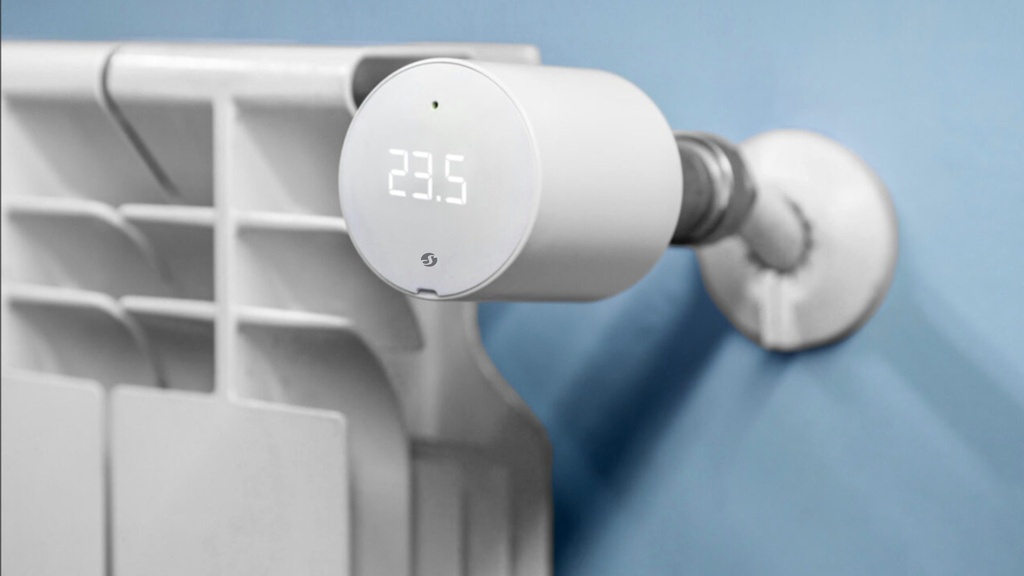
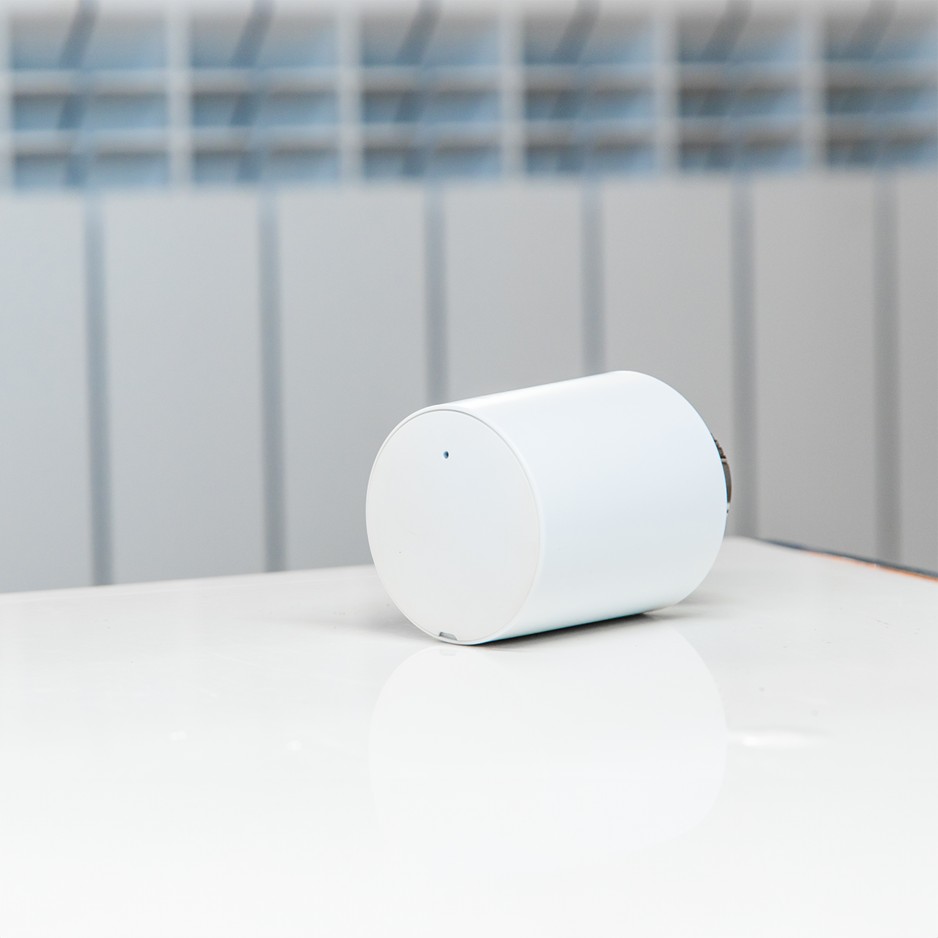
Shelly BLU TRV(the Device)is a smart thermostatic radiator head with Bluetooth and Zigbee connectivity, offering control over Wi-Fi using the BLU Gateway Gen3. It controls the temperature of a room by changing the flow of the hot water through the radiator. If needed, the temperature can be changed at any time by turning the Device rotating knob to the left or right, or through your mobile phone, tablet, or PC. The Device can also maintain the room temperature according to a set weekly schedule. It is powered by 2 AA, 1.5 V batteries.
Advanced Setup and Installation
How to pair Shelly BLU TRV with Shelly BLU Gateway Gen3
Main features
Bluetooth and Zigbee connectivity
Control over Wi-Fi using the BLU Gateway Gen3.
2x1.5 V battery AA (included)
Precise temperature control
Boost mode for fast warm-up of the room
Smart scheduling
External sensor support (compatible with Shelly BLU H&T, BLU H&T ZB, BLU H&T Display ZB, Shelly BLU Door/Window sensors, associated via BLU Gateway Gen3)
Integration with most smart home systems
Use cases
Remote temperature control: Make sure that your home is warm upon arrival and save energy by not heating the home unnecessarily when it is not occupied.
Smart scheduling for energy efficiency: Set up smart schedules in the cloud application to optimize your heating schedule and save on energy costs.
Boost mode for rapid heating: Activate Boost mode locally via the rotary encoder, or remotely through the cloud. This mode fully opens the valve to rapidly reach a comfortable temperature.
Room-by-room temperature control: Manage the temperature independently for each room. Achieve personalized comfort and improved energy efficiency by heating rooms according to their specific use.
Adaptive learning for personalized heating: Adjust your heating system for optimal comfort and safety using data from external sensors, such as Shelly BLU H&T and Shelly BLU Door/Window.
Connectivity
Bluetooth
Zigbee
User interface
Inputs
User (reset) button
Press once to activate Bluetooth pairing mode
Press 3 times to activate Zigbee network association
Press 5 times to activate Find and Bind
Press and hold for 30 seconds to factory reset the Device
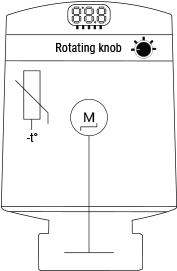
Rotating knob
Turn at least 1 step clockwise (CW) or counterclockwise (CCW) to activate the LEDs.
Turn the knob in quick short movements for less tan 10 steps CCW > CW > CCW> CW (start in either direction) to access the TRV user menu. The menu starts with a battery level indication
Turn 4 steps CW to activate the Bluetooth pairing mode (active 30 seconds)
Turn 5 steps CW to activate Zigbee network association (active 30 seconds)
Turn 1 step CW to increase temperature with 0.1 °C
Turn 1 step CCW to decrease temperature with 0.1 °C
Turn the knob quickly for more than 10 steps CW to turn on Boost mode
Turn the knob quickly for more than 10 steps CCW to turn off Boost mode
Outputs
3-digit, 7-segment LED display:
Mounting
 TRV head not mounted on the backplate
Calibration
 Calibration in progress
  Calibration passed
  Calibration failed
Temperature setting
 Temperature setting in progress
 Confirming the set temperature
Boost mode
 Boost mode on
  Boost mode off
Battery level
 0-25%
0-25% 25-50%
 50-75%
  75-100%
  Low battery level. Change batteries.
Pairing & Association
 Bluetooth pairing (active 30 seconds)
  Number of paired BLE devices
  No paired BLE devices
  Result of pairing/association
  Result of pairing/association
 Zigbee network association (active 30 seconds)
  Zigbee network status
  Zigbee network status - associated
  Zigbee network lost
  Zigbee identifying
User menu
Battery level (default entry) Number of paired BLE devices (1 step CW) Zigbee network status (2 steps CW)  Number of errors (3 steps CW) Bluetooth pairing (4 steps CW) Zigbee pairing/association (5 steps CW)
 Prompt to exit user menu (6 steps CW)
Updates
 Over-the-air update in progress
Errors
 No errors Number of errors
 Calibration error
 Insufficient voltage or current output. Change batteries
Supported valves
Without adapter
M30 x 1.5
With supplied adapter
Danfos
RA
RAV
RAVL
Caleffi
Giacomini
M28 x 1.5
Sam
Slovarm
Comap
Markardys
TA
Herz
MMA
Remagg
Pont a Mousson
With third-party adapter
Gampper (27 mm thread and inner thread M22)
Glacomini
Ista
Meges (M38 x 1.5)
Ondal (M38 x 1.5)
Oventrop (M30 x 1.0 with 4 prongs)
Rossweiner (M33 x 2.0)
Vallant (30.5 mm)
View the full list of valves and their compatibility:
Shelly BLU TRV Valve compatibility guide.pdf
Quantity | Value |
|---|---|
Physical | |
Size (HxD): | 78 x Ø54 mm / 3.07xØ2.13 in |
Weight: | 107 g / 3.77 oz |
Mounting: | M30 / 15 |
Mounting ring material: | Nickel-plated brass |
Shell material: | Plastic |
Shell color: | White |
Environmental | |
Ambient working temperature: | -20°C to +60°C / -4°F to 140°F |
Humidity: | 25% to 80% RH |
Pollution degree: | 2 |
Electrical | |
Power supply: | 2x AA, 1.5 V (included) |
Estimated battery life: | up to 2 years |
Sensors, meters | |
Temperature sensor: | Yes |
Radio | |
Bluetooth | |
Protocol: | 5 (LE) |
RF band: | 2402 - 2480 MHz |
Max. RF power: | < 8 dBm |
Range: | Up to 10 m / 33 ft indoors and 30 m / 100 ft outdoors (depends on local conditions) |
Zigbee | |
Protocol: | 802.15.4 |
RF bands: | 2405 to 2480 MHz |
Max. RF power: | < 8 dBm |
Range: | Up to 10 m / 33 ft indoors and 30 m / 100 ft outdoors (depends on local conditions) |
Firmware capabilities | |
Schedules: | Yes |
What are the differences between the different generations of Shelly products?
Each new generation adds more power, memory, and features:
Gen 1 offers basic control;
Gen 2 (Plus Series, Mini Series, Pro Series) adds Bluetooth, scripting, and better security;
Gen 3 improves performance, adds Matter (starting from firmware version 1.6.0 or newer) and advanced monitoring;
Gen 4 offers multi-protocol connectivity, featuring Wi-Fi 6, Bluetooth, Zigbee, and Matter.
Can I control the device via Bluetooth?
No, the protocol is used only for device inclusion, allowing for quick and easy setup through the Shelly Smart Control app.
For bluetooth control it is required to have another Bluetooth device such as Shelly BLU Button or Shelly BLU Motion to interact.
Additionally, Shelly devices can function as a BLE gateway, bridging Shelly BLU devices to your Wi-Fi network.
Is it possible to use the device without a hub?
Yes, Shelly devices (except for Wave devices) operate independently without the need for a hub. They connect directly to your Wi-Fi network, and you can control them via the Shelly Smart Control app, web interface, or through integrations with platforms like Google Home, Alexa, Home Assistant and Samsung SmartThings.
Use cases
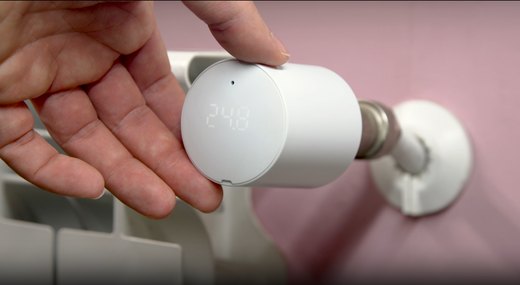
The new standard for comfort living
Shelly BLU TRV has precise temperature control, maintaining your desired comfort level with an accuracy of ±0.1°C, ensuring a consistent and comfortable environment.
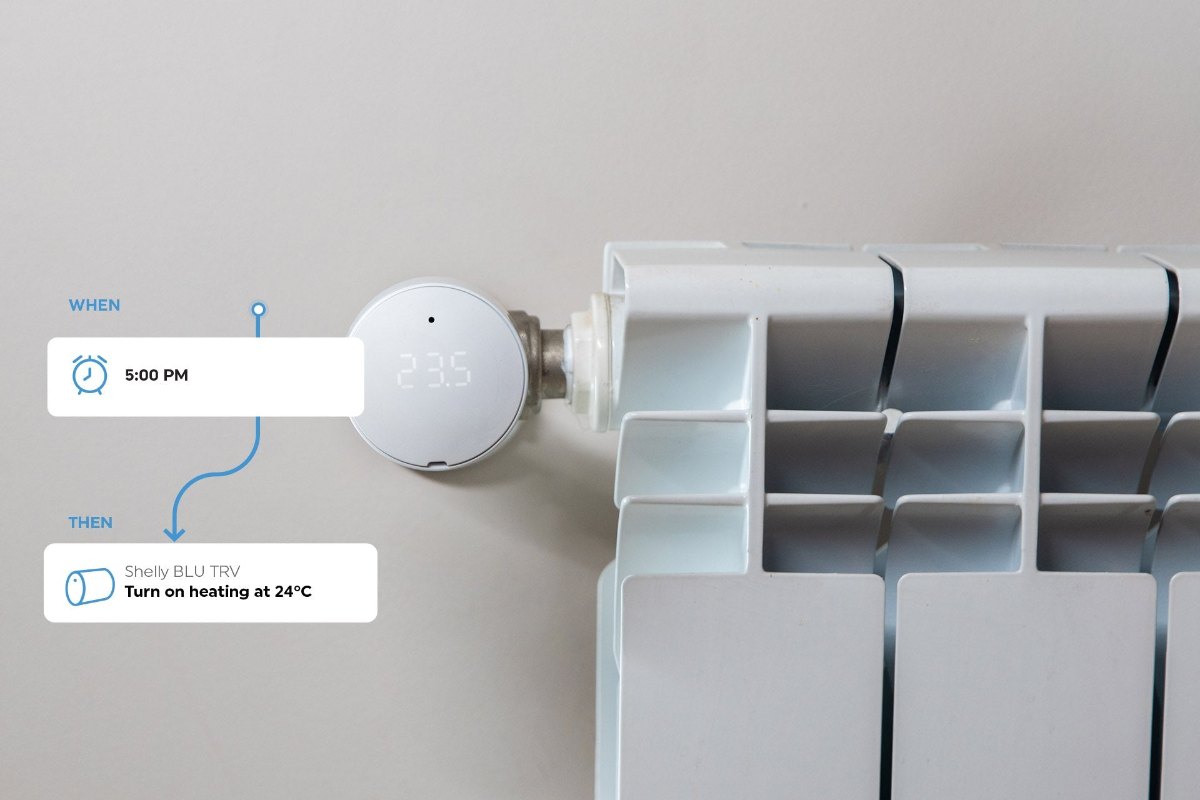
Customized heating made easy
Smart scheduling allows you to align your heating with your daily routines, optimizing both comfort and energy efficiency.
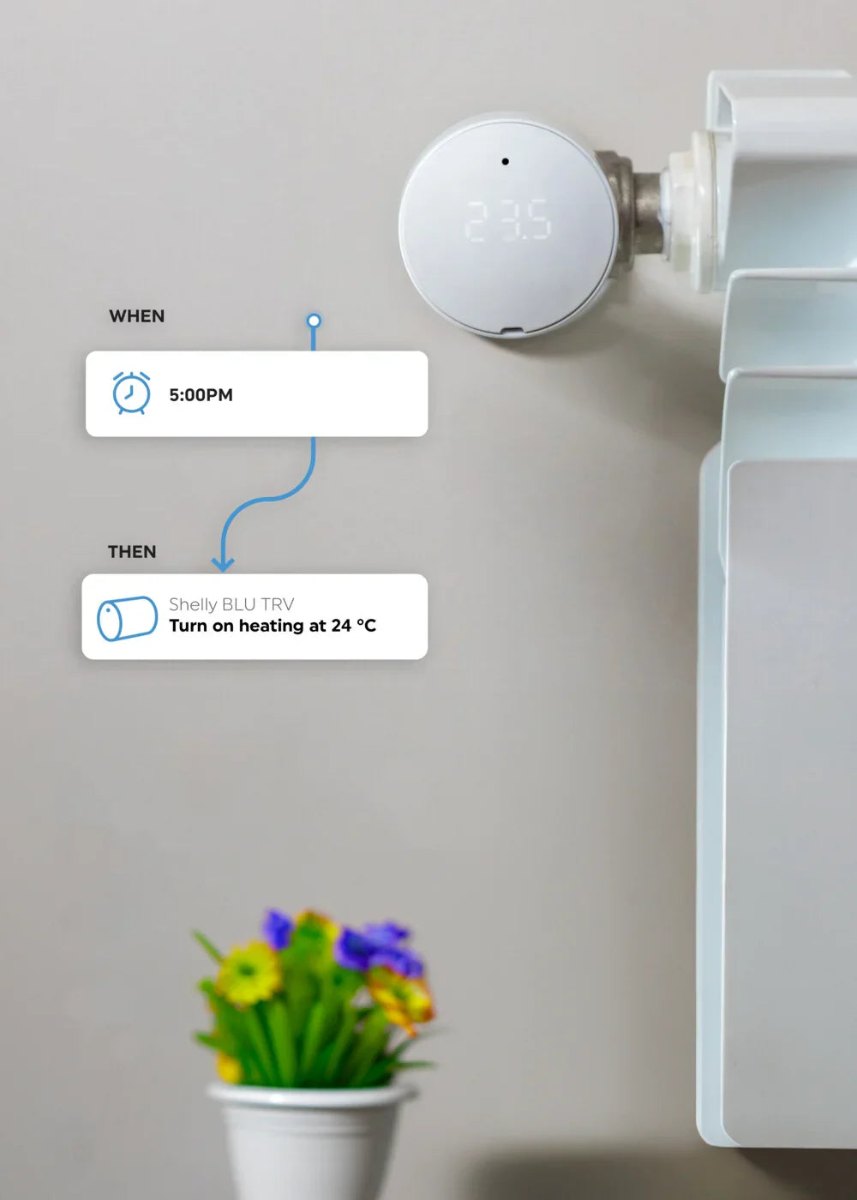
A perfect blend of comfort and efficiency
Ensure your home is cozy when you arrive, while reducing unnecessary energy usage when you're away.