Typically used for
Dimming
Covers & Blinds
Appliances
Garage Doors
Key Features
Bluetooth and Zigbee connectivity for flexible control of your smart devices.
Easy pairing with Shelly devices like Shelly Shutter and Dimmer Gen3 - no app needed, just enter pairing mode and enjoy instant control with default commands.
Multi-channel operation
Built-in gesture control
Instant feedback
Beacon mode
Wide compatibility
Device identification
Device name: Shelly BLU Remote Control ZB
Device model: SBRC-005B
Device Bluetooth ID: 0x0009
Short description
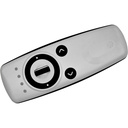
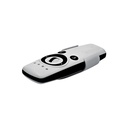
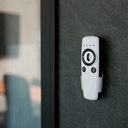
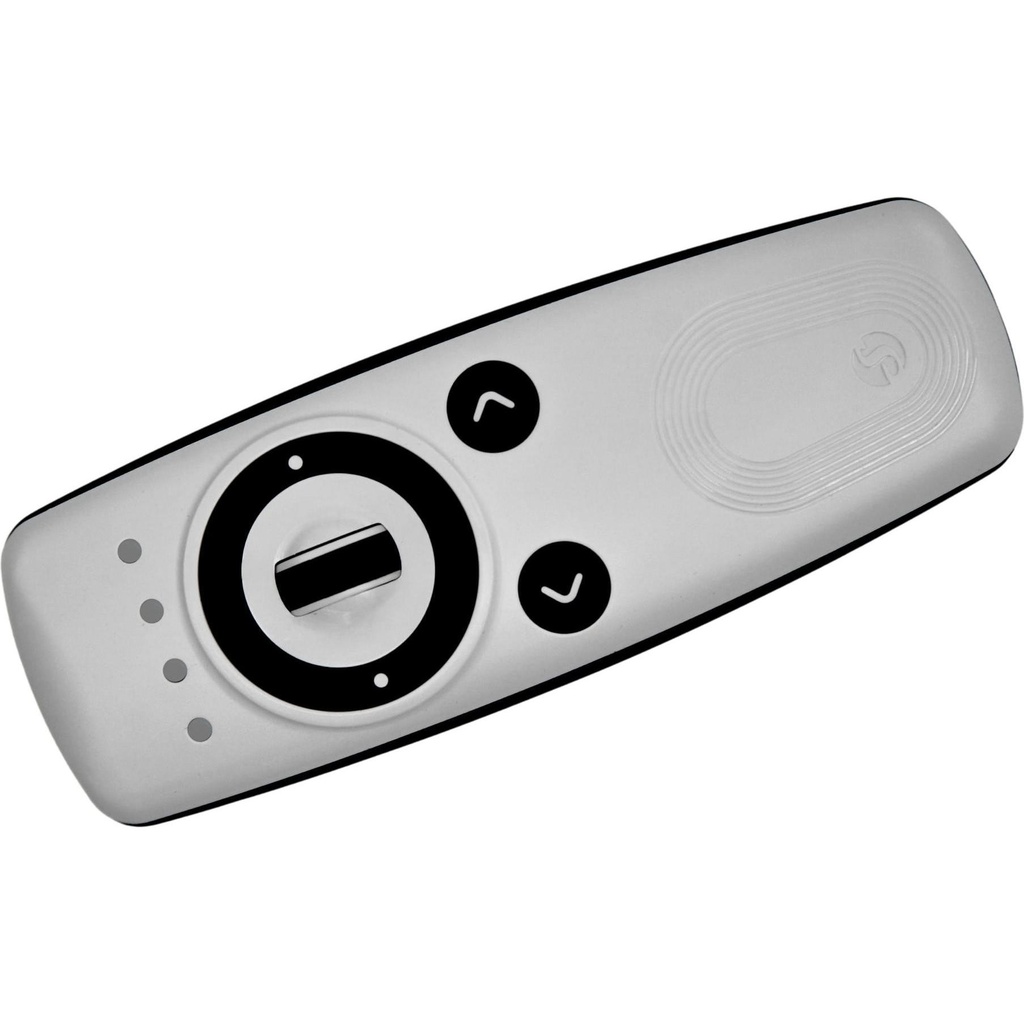
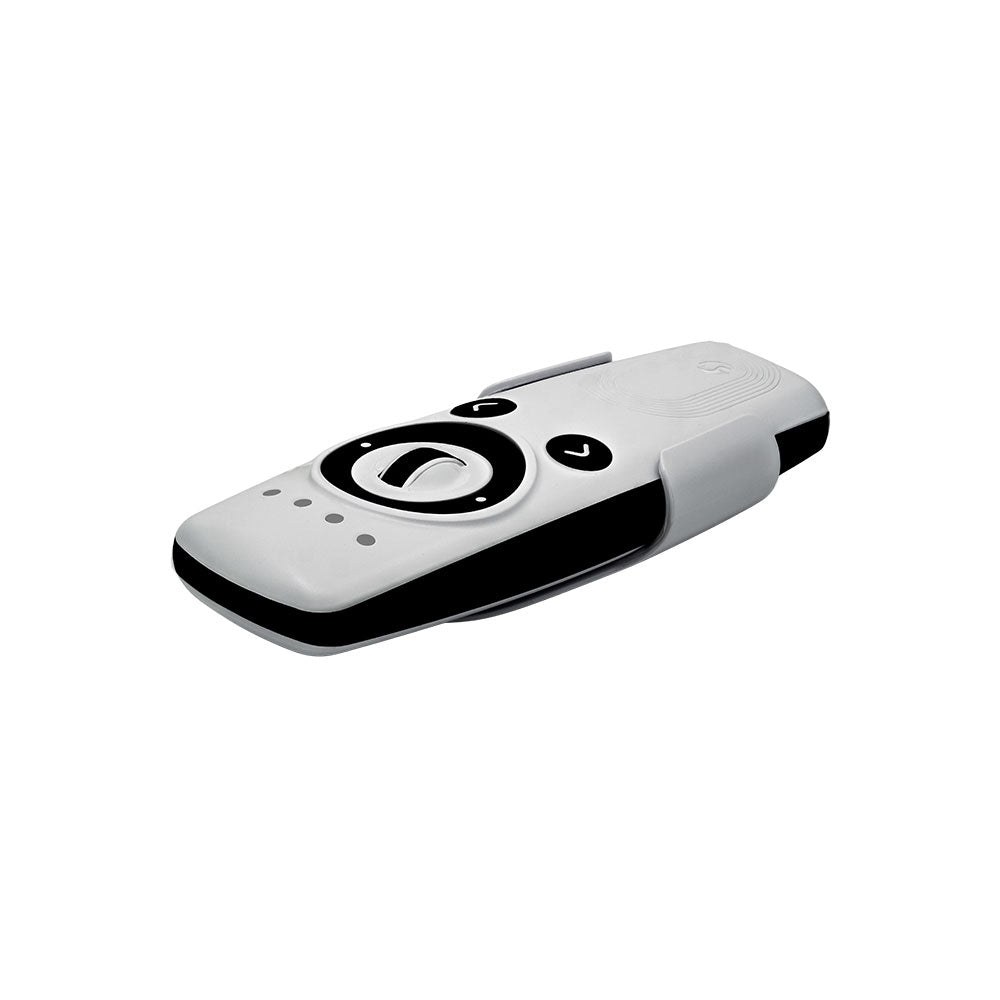
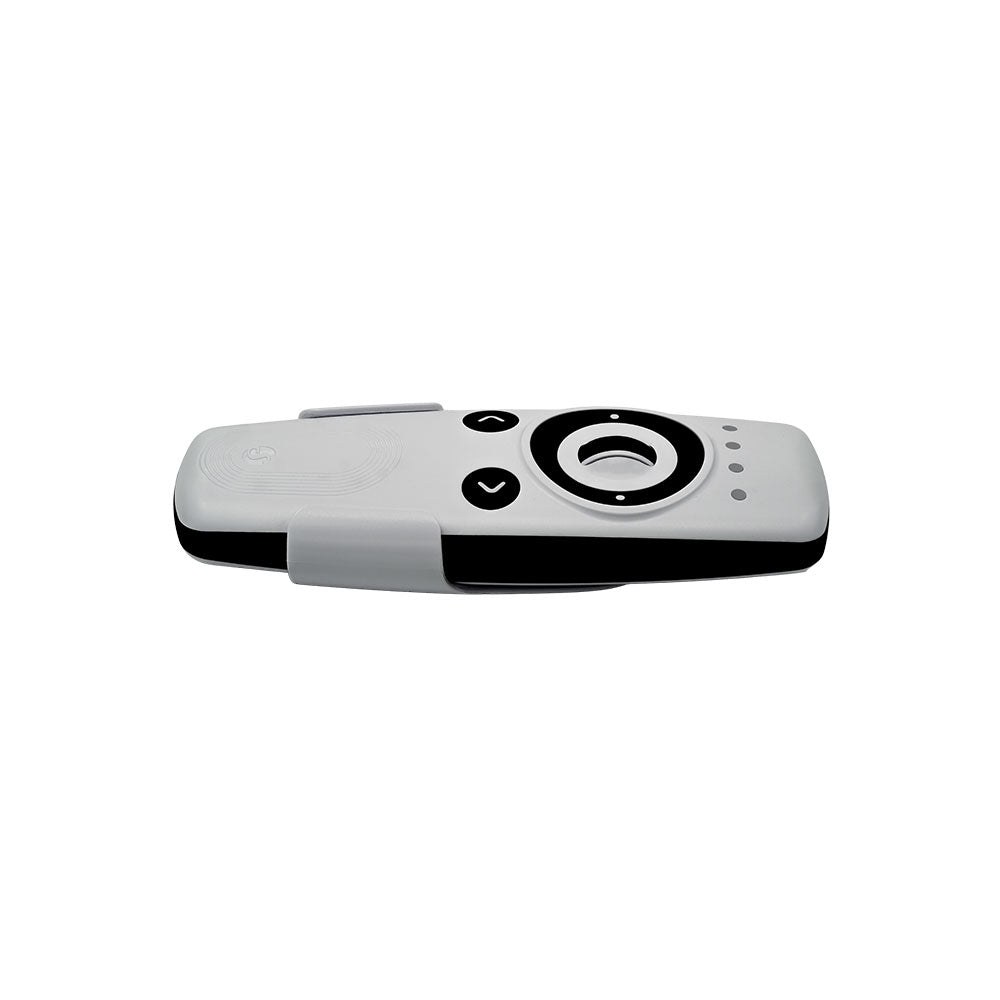
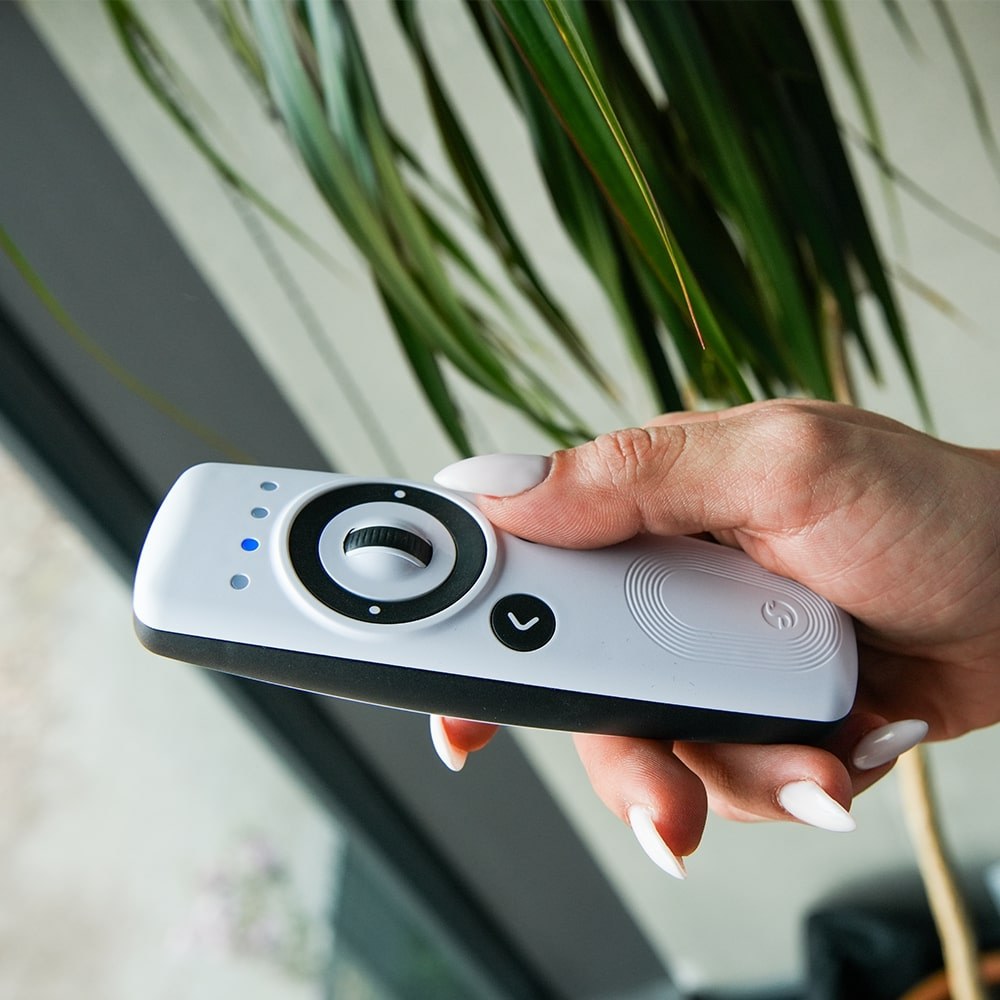
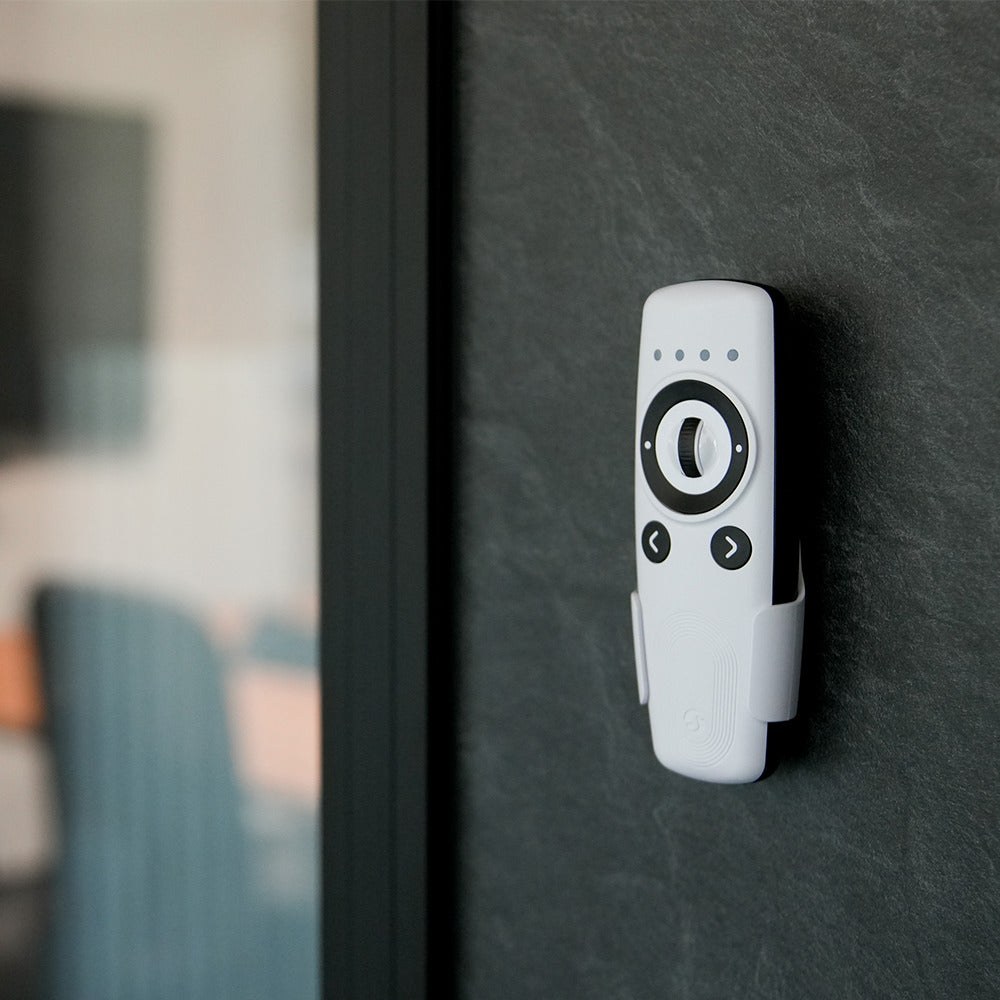
Effortlessly control your smart home with the Shelly BLU Remote Control ZB. This battery-powered remote lets you easily manage your smart home devices via Bluetooth and Zigbee. With four channels, intuitive command buttons, and a precision scroller wheel, it’s perfect for dimming lights or adjusting blinds and shutters.
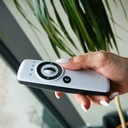
Built-in gesture control powered by an accelerometer lets you interact with a simple wave or tilt, while the integrated buzzer and LED indicators provide instant feedback.
Pair seamlessly with Shelly Pro, Gen3, and Gen4 devices for easy control via Default Command Mapping. Shelly Plus devices can act as Bluetooth gateways, ensuring effortless connectivity across your home.
Main features
Universal control: Supports Bluetooth and Zigbee for flexible, low-latency control of your smart devices.
Seamless pairing: Connects easily with Shelly Pro, Gen3, and Gen4 devices via Default Command Mapping.
Multi-channel operation: Switch between four channels with dedicated buttons for seamless control of lights, relays, and covers.
Built-in gesture control: Integrated accelerometer lets you dim lights or move covers with a simple hand gesture.
Instant feedback: LED indicators and buzzer provide real-time response for every action.
Beacon mode: Activate the buzzer to help you quickly locate the remote when it goes missing.
Broad compatibility: Fully supports Home Assistant and any other device using the BTHome protocol, right out of the box.
One remote, many devices: Control multiple Shelly devices at once - adjust curtains, dim lights, or toggle relays from a single remote.
Use cases
Lighting control - Turn lights on or off, or fine-tune brightness using the scroll wheel or intuitive hand gestures.
Smart blinds & curtains - Open or close motorized shades with a simple button press, scroll, or gesture - like waving a magic wand.
Garage door access - Use the remote to open or close your garage door without reaching for your phone.
Location-based automation - Enable Beacon mode to trigger specific actions when you enter Bluetooth range.
Main applications
Residential
MDU (Multi Dwelling Units - apartments, condominiums, hotels, etc.)…
Light commercial (small office buildings, small retail/restaurant/gas station, etc.)…
Government/municipal
University/college
Integrations
Amazon Alexa supported capabilities
Doorbell EventSource
Google Smart Home supported traits
No
Samsung SmartThings supported capabilities
No
Connectivity
Bluetooth
Zigbee
User interface
Inputs
Navigation Buttons (< or >):
Single press: Switches the active control channel (1-4). Channel change is indicated by a beep and flashing of the selected channel LED. If the remote hasn’t been used for a while, the first press will only indicate the current channel.
Long press: Starts angle measurement using the built-in accelerometer. Upon release, the rotation angle is transmitted in the X, Y, and Z axes - one angle per axis.
Press 3 times rapidly: Sends a Zigbee Group Identify command to all devices in the group linked to the current channel. The devices will identify themselves for 5 seconds, for example by blinking (bulbs) or flashing an LED.
Press 4 times rapidly: Enters BLE pairing mode. Indicated by LEDs flashing from left to right. Success is shown with 5 slow flashes.
Press 5 times rapidly: Enters Zigbee inclusion mode. Indicated by LEDs flashing right to left. Success is shown with 5 slow flashes. Pressing any button on the device will exit inclusion mode.
Ring Buttons (Left or Right):
Single press: Sends a control command on the active channel.
Press 3 times rapidly: Sends a Zigbee Group Identify command to all devices in the group linked to the current channel. The devices will identify themselves for 5 seconds, for example by blinking (bulbs) or flashing an LED.
Press 4 times rapidly: Enters BLE pairing mode (same behavior as navigation buttons).
Press 5 times rapidly: Enters Zigbee inclusion mode (same behavior as navigation buttons).
Hold for 30 seconds: Performs a factory reset. Success is shown by all LEDs flashing once with a beep.
Scroll Wheel:
Rotate up/down: Adjusts brightness, moves covers, or triggers other actions depending on the paired device.
Outputs
LED Indication (x4 separate channel LEDs):
Channel change: Selected channel LED flashes twice with a beep when using < or > buttons.
Command transmitted: Single flash on the LED of the selected channel.
Device pick up: LED of the current channel flashes after inactivity if the accelerometer is active.
BLE pairing mode: LEDs flash from left to right. Success is indicated by 5 slow flashes.
Zigbee inclusion mode: LEDs flash from right to left. Success is shown with 5 slow flashes and a beep.
Zigbee Identify: All LEDs flash rapidly 5 times.
Group identify: LED of the selected channel flashes for 5 seconds while the devices on this channel are identifying themselves.
Factory reset: All LEDs flash once with a beep.
Default Command Mapping
Component | Left Ring Button | Right Ring Button | Scroll Wheel Up | Scroll Wheel Down |
|---|---|---|---|---|
Relay Channel | Off | On | N/A | N/A |
Cover | Close | Open | Step Up (behavior depends on chosen mode)
or
| Step Down (behavior depends on chosen mode)
or
|
Dimmer | Off | On | Dim Up
| Dim Down
|
*Supported on specific Shelly Gen3, Gen4, and Pro devices.
Quantity | Value |
|---|---|
Physical | |
Size (HxWxD): | 129x47x24 mm / 5.08x1.85x0.94 inch |
Weight: |
|
Shell material: | Plastic |
Shell color: |
|
Environmental | |
Ambient working temperature: | -20 °C to 40 °C / -5 °F to 105 °F |
Humidity: | 30 % to 70 % RH |
Max. altitude: | 2000 m / 6562 ft |
Electrical | |
Power supply: | Batteries |
Battery type: | 2x AAA 1.5 V |
Estimated battery life: | approx. 2 years (depending on batteries used, device usage, and network connection strength) |
Sensors, meters | |
Accelerometer | Yes |
Radio | |
Bluetooth | |
Protocol: | 5 (LE) |
RF band: | 2402 - 2480 MHz |
Max. RF power: | < 8 dBm |
Range: | Up to 10 m / 33 ft indoors and 30 m / 100 ft outdoors |
Zigbee | |
Protocols: | 802.15.4 |
RF bands: | 2405 to 2480 MHz |
Max. RF power: | < 8 dBm |
Range: | Up to 10 m / 33 ft indoors and 30 m / 100 ft outdoors |
Microcontroller unit | |
CPU: | EFR32MG27 |
Flash: | 768 kB |
Firmware capabilities | |
Schedules: | No |
Webhooks (URL actions): | No |
Scripting: | No |
MQTT: | No |
Other | |
Supported devices |
|
What are the differences between the different generations of Shelly products?
Each new generation adds more power, memory, and features:
Gen 1 offers basic control;
Gen 2 (Plus Series, Mini Series, Pro Series) adds Bluetooth, scripting, and better security;
Gen 3 improves performance, adds Matter (starting from firmware version 1.6.0 or newer) and advanced monitoring;
Gen 4 offers multi-protocol connectivity, featuring Wi-Fi 6, Bluetooth, Zigbee, and Matter.
Can I control the device via Bluetooth?
No, the protocol is used only for device inclusion, allowing for quick and easy setup through the Shelly Smart Control app.
For bluetooth control it is required to have another Bluetooth device such as Shelly BLU Button or Shelly BLU Motion to interact.
Additionally, Shelly devices can function as a BLE gateway, bridging Shelly BLU devices to your Wi-Fi network.
Is it possible to use the device without a hub?
Yes, Shelly devices (except for Wave devices) operate independently without the need for a hub. They connect directly to your Wi-Fi network, and you can control them via the Shelly Smart Control app, web interface, or through integrations with platforms like Google Home, Alexa, Home Assistant and Samsung SmartThings.
Use cases
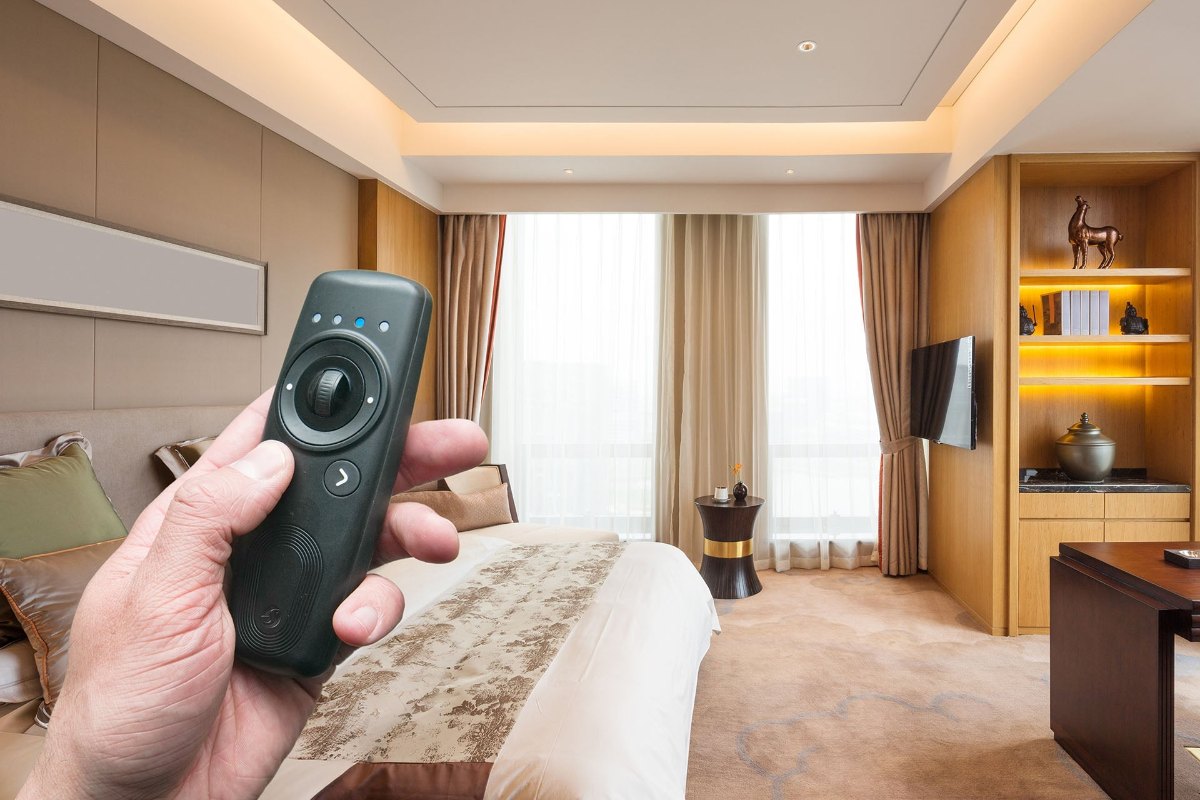
Lighting Control
Turn your lights on or off with a quick press, or fine-tune the brightness with a gentle scroll.

Smart Blinds & Curtains
Open or close your motorized blinds and curtains with just a press, a scroll, or a simple gesture.

Garage Door Access
Open or close your garage door with ease using Shelly BLU Remote Control ZB and Shelly 1, without reaching for your phone.

Location-Based Automation
Activate Beacon mode to automatically trigger actions as soon as you enter Bluetooth range-like turning on the lights when you get home or opening the blinds when you walk into the room.